Java memory management
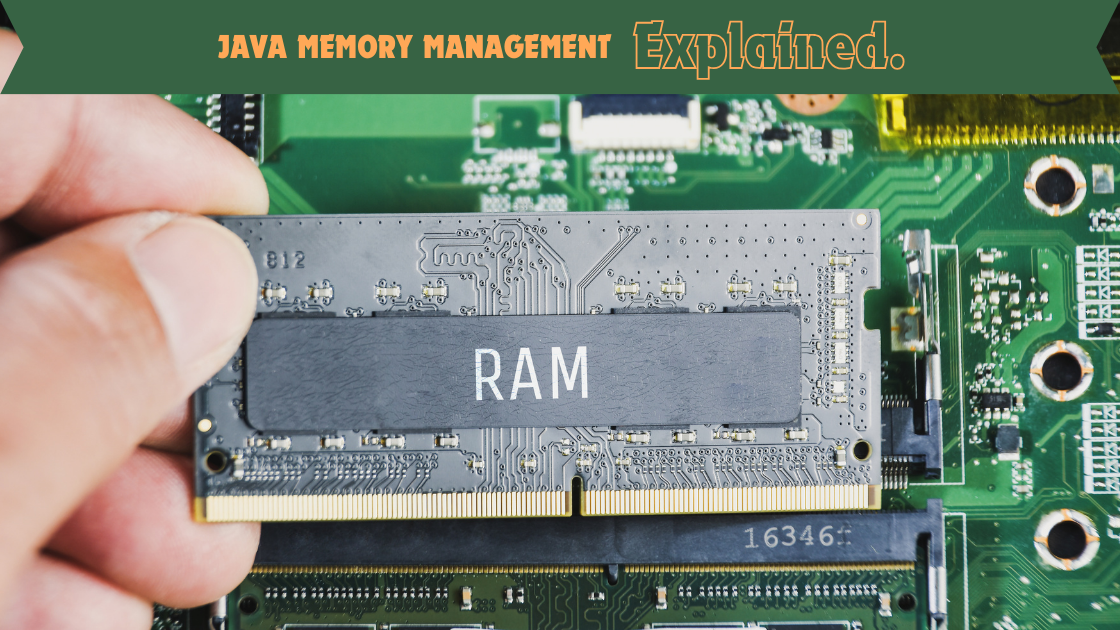
The most common memory in a computer is the RAM (Random Access Memory) which stores and accesses data while applications are running. The way in which computer memory works is very similar to the way Java memory works in that Java is also responsible for storing data required by the application to be able to run. Data in this context may be :
- Instances
- Primitive values
- Constants
- Fields and method data
- Method code
- Native methods
- Order of execution
The JVM (Java Virtual Machine) that executes Java code is also responsible for the allocation/deallocation of memory. It reserves a small part of the computer’s RAM. The deallocation of the heap is managed by the garbage collection (GC) process of the JVM, ensuring that memory does not get full.
Types of memory
- Class area
- Heap
- Stack
- Program counter register
- Native method stack memory
Stack Memory
The stack memory is used for executing methods and contains the primitives and object references of methods in the stack. Objects itself are not stored in the stack, it is stored on the heap. However, the object’s reference is stored on the stack. An object reference is the address of where the object is stored on the heap. Stack memory creates different blocks of memory for each method. Once the method has completed executing, the block is removed from the stack.
Heap Memory
The heap memory is a part of memory used for dynamic allocation and holds the objects within the application and can be accessed using the address of the object, called by the object reference. The objects on the heap contain primitive values and references to other objects on the heap. Memory in the heap is allocated when new objects are created using the ‘new’ keyword.
The GC automatically manages the deallocation of the heap memory by identifying and removing objects that are no longer referenced which frees up memory for future allocations.
Stack vs. Heap
| Stack | Heap |
| Only primitives and references | Objects |
| Accessed with LIFO | Accessible with the address |
| Smaller and automatically deallocated | Bigger and deallocated by the GC (garbage collector) |
| Faster to access | Slower to access |
| Exists if the method is running | Exists for application lifetime |
| Memory full: StackOverflowError | Memory full: OutOfMemoryError |
Best Practices
Monitoring and Profiling:
- Use tools like VisualVM, JConsole, or Java Mission Control (JMC) to monitor heap usage and garbage collection activities.
- Profile your application to understand memory usage patterns and optimize accordingly.
Avoid Memory Leaks:
- Ensure that objects are dereferenced when no longer needed to avoid memory leaks.
- Be cautious with static references, as they can prevent objects from being garbage collected.
Optimize Object Creation:
- Minimize unnecessary object creation to reduce the load on the garbage collector.
- Use efficient data structures and algorithms to manage memory usage effectively.
JVM tuning
It is possible to make adjustments to the way in which the JVM runs, for example specifying how the JVM should start. When a java application starts, the JVM can be given specific options and parameters for start-up such as :
- Optimize garbage collection
- Change the heap memory
- Optimize metaspace
- Write the memory in the event of the OutOfMemoryError
JVM tuning is typically the last thing to look at to increase performance. Sometimes it is easier to improve the hardware or optimize the code.
JVM tuning will not fix memory leaks and will not fix poor application design or coding. If these issues exist within your application, fix them first before considering JVM tuning.
Garbage Collector Options:
The choice of garbage collector can impact performance. JVM provides several options such as:
-XX:+UseSerialGC: Uses the serial garbage collector.-XX:+UseParallelGC: Uses the parallel garbage collector.-XX:+UseConcMarkSweepGC: Uses the concurrent mark-sweep collector.-XX:+UseG1GC: Uses the Garbage-First (G1) collector.
Heap Size:
- The initial and maximum heap sizes can be controlled using JVM options:
-Xms: Sets the initial heap size.-Xmx: Sets the maximum heap size.
- Example:
java -Xms512m -Xmx1024m MyApplication